Fast Access Anytime
The app launches from your home screen in seconds. No browser required, no delays. Place a bet or spin a slot wherever you are in Australia.

Full Golden Crown casino in your pocket. APK installs on any Android from 8.0, iPhone and iPad run it as a PWA through Safari — no App Store, no waiting.
Australian payment methods work out of the box — Neosurf, MiFinity, Visa, Mastercard, AstroPay, Skrill. Prefer crypto? Bitcoin, USDT, Ethereum all supported, and crypto deposits get an extra 10% bonus with zero wager.
App loads fast on standard Australian 4G and NBN. Live casino, pokies — all in the same app, same wallet.
New players: 100% up to A$1,500 + 300 Free Spins on first deposit. Minimum A$45 to trigger.
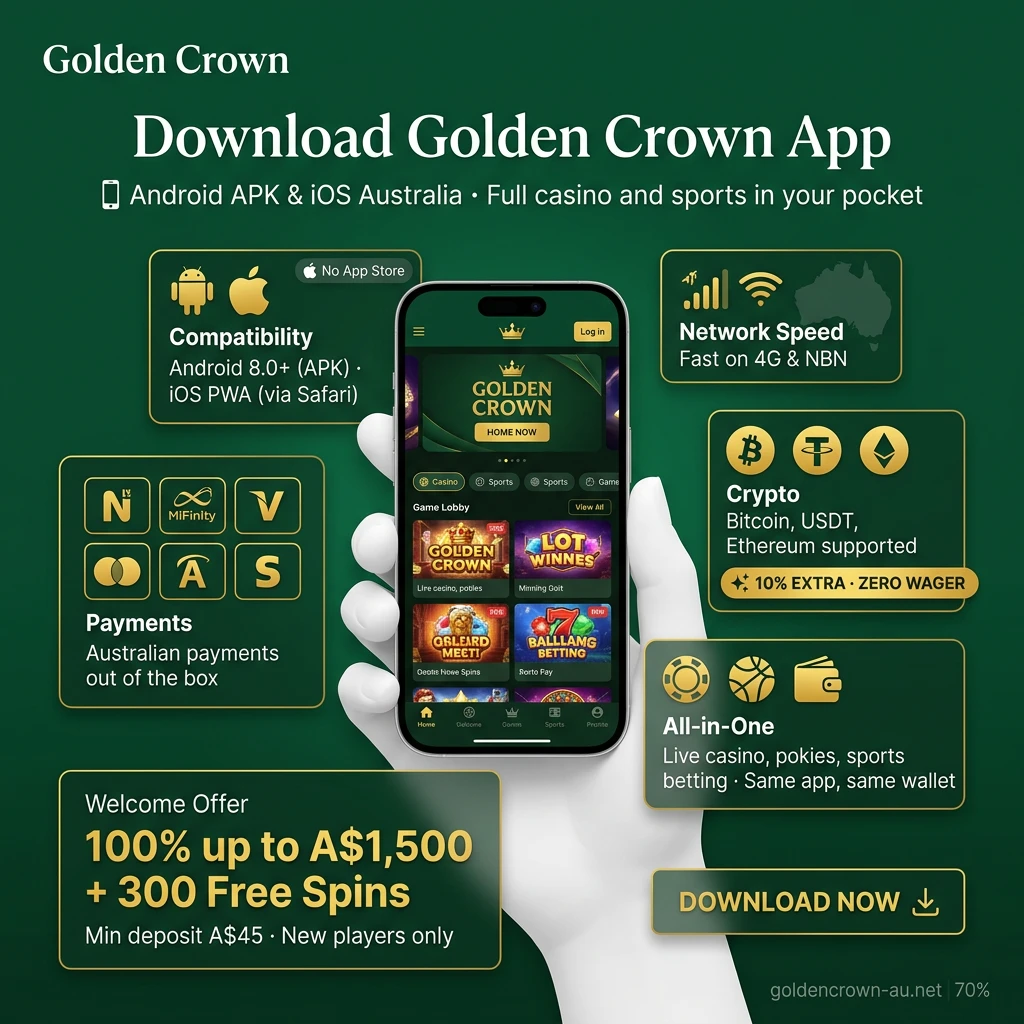
The official Golden Crown mobile app is available for both Android and iOS devices, giving Australian players full access to the platform from any smartphone or tablet.
Developer
Golden Crown
Licence
Curaçao eGaming (No. 8048/JAZ)
Supported Operating Systems
Android 5.0+, iOS 12.0+
Cost
Free
Category
Casino & Sports Betting
Available In
Australia and other supported regions
Languages Supported
English, and other major languages
Currencies Supported
AUD, USD, EUR, BTC, ETH, USDT, and others
Available in Australia
Yes
The Golden Crown mobile app delivers a range of practical advantages that make it the preferred choice for Australian players.
The app launches from your home screen in seconds. No browser required, no delays. Place a bet or spin a slot wherever you are in Australia.
Receive real-time alerts for odds changes, new promotions, and account activity. You will never miss a time-sensitive offer or a live betting opportunity.
The interface is designed for touchscreen use. Menus, buttons, and game grids are sized and positioned for one-handed navigation on any smartphone or tablet.
All deposits and withdrawals are protected by SSL encryption. The same security standards applied on the desktop platform are active in the app at all times.
Sports betting, live casino, payment processing, bonus claims, and account management are all available within the app. Nothing is locked behind the desktop site.
The Golden Crown Android app is free to download and gives you instant access to mobile betting and casino games wherever you are in Australia. Full installation instructions are provided in the steps above. Tap the button below to get started.
Downloading the Golden Crown APK on Android is quick, safe, and completely free. Follow these four steps to get the app installed on your device in minutes.
Tap the button below to begin downloading the APK file directly to your Android device.
Confirm the download by tapping “Accept” or “OK” in the prompt that appears on your screen.
Open your device settings, navigate to Security or Privacy, and enable installation of apps from unknown sources for the browser you used to download the file.
Open your downloads folder, locate the APK file, tap on it, and follow the on-screen prompts to complete the installation.
Is It Safe to Download the Golden Crown APK?
Yes. The app operates under an official Curaçao eGaming licence, which means it is subject to regulated oversight and fair-play standards. Golden Crown uses SSL certificate encryption across all data transmissions to protect your personal and financial information. Downloading the APK directly from the official website ensures you receive the verified, unmodified installation file.
Before installing the app, make sure your Android device meets the following minimum requirements.
| Requirement | Minimum Specification |
|---|---|
| Android Version | 5.0 (Lollipop) or higher |
| RAM | 1 GB |
| Free Storage Space | 100 MB |
| Processor | 1.2 GHz dual-core or equivalent |
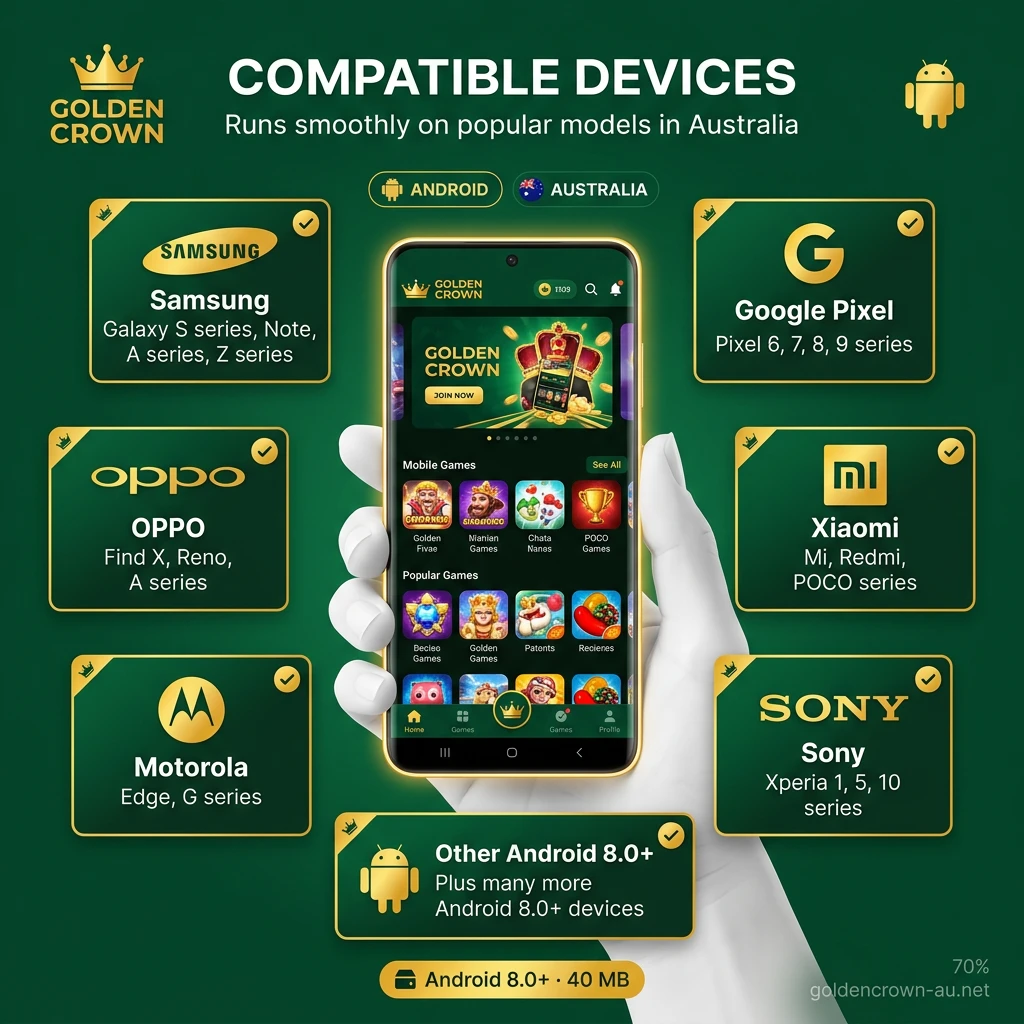
The Golden Crown app runs smoothly on a wide range of popular Android devices available in Australia. The following models are fully compatible:
The table below compares the previous and latest versions of the Golden Crown APK so you can see what has improved.
| Feature | New Version | Old Version |
|---|---|---|
| App Performance | Faster load times and smoother navigation | Slower load times on older devices |
| User Interface | Redesigned layout for easier access | Standard layout with fewer shortcuts |
| Live Betting Features | Expanded markets and live streaming | Limited live market coverage |
| Payment Options | Crypto and e-wallet support added | Fewer payment methods available |
| Security | Enhanced SSL encryption and 2FA support | Basic SSL protection |
| Bug Fixes | Multiple stability improvements applied | Known crashes on certain devices |
| Compatibility | Supports Android 5.0+ and iOS 12.0+ | Limited to newer OS versions only |
No App Store. No APK. Golden Crown runs as a PWA — installed directly from Safari in under 30 seconds. Works on iOS 12.0+, requires 150MB free storage and 1GB RAM minimum. Every iPhone from X onwards is covered.
Compatible devices: iPhone X, XR, XS, XS Max, 11, 11 Pro, 12, 12 Mini, 12 Pro Max, 13, 13 Mini, 13 Pro Max, 14, 14 Plus, 14 Pro Max, 15, 15 Plus, 15 Pro Max. iPad 7th gen+, iPad Air 3rd gen+, iPad Pro (iOS 12.0+).
If your device is from 2017 or newer — you’re good.
Launch Safari on your iPhone and navigate to the official Golden Crown website.
Tap the Share icon (square at the bottom) and choose “Add to Home Screen” from the menu.
Tap “Add” in the top right corner. The Golden Crown shortcut will now appear on your home screen.
No updates required. PWA loads the latest version automatically every time you open it.
PWA on iPhone updates automatically — every time you open the app, it loads the latest version. Nothing to tap, nothing to download.
Android APK needs manual update:
Takes under a minute on a normal Australian 4G connection. If your device blocks the install — go to Settings → Security → allow installs from this source, then retry.
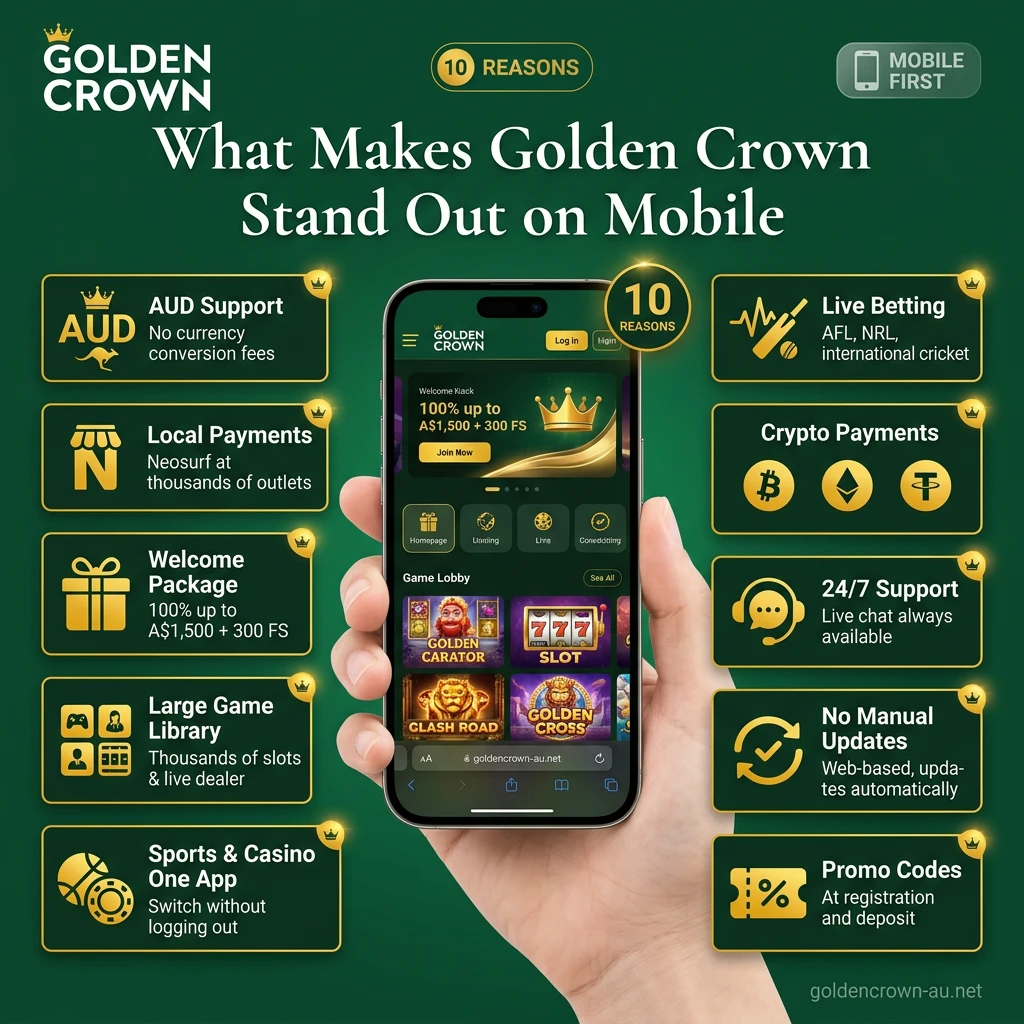
Golden Crown delivers a complete real-money gambling experience through the mobile browser, covering both casino and sports betting in one place. Here is what is worth noting for Australian players:
Registering on Golden Crown takes only a few minutes. The process is identical whether you are on a desktop browser or a mobile device.
Open the Golden Crown website in your mobile browser and tap “Sign Up” or “Register”.
Provide your email address, select AUD as your preferred currency, and set a strong password.
Fill in your full name, date of birth, and country of residence (Australia).
Check your inbox and click the confirmation link to verify your email.
Log in to your account, make your first deposit, and activate the welcome bonus — 100% up to 1,500 AUD plus 300 Free Spins.
Logging in to your Golden Crown account on mobile is quick. The login session stays active as long as you do not manually sign out.
Open the Golden Crown website in your mobile browser or tap the home screen shortcut you created.
Tap “Log In” at the top of the page.
Input your registered email and password, then tap the confirmation button.
You are now logged in. Your balance, active bonuses, and full site access will be available immediately.
| Bonus | Amount | Free Spins | Min Deposit | Wager |
|---|---|---|---|---|
| 1st Deposit | 100% up to A$1,500 | 300 FS | A$45 | x40 |
| 2nd Deposit | 75% up to A$750 | 50 FS | A$45 | x40 |
| 3rd Deposit | 50% up to A$750 | — | A$45 | x40 |
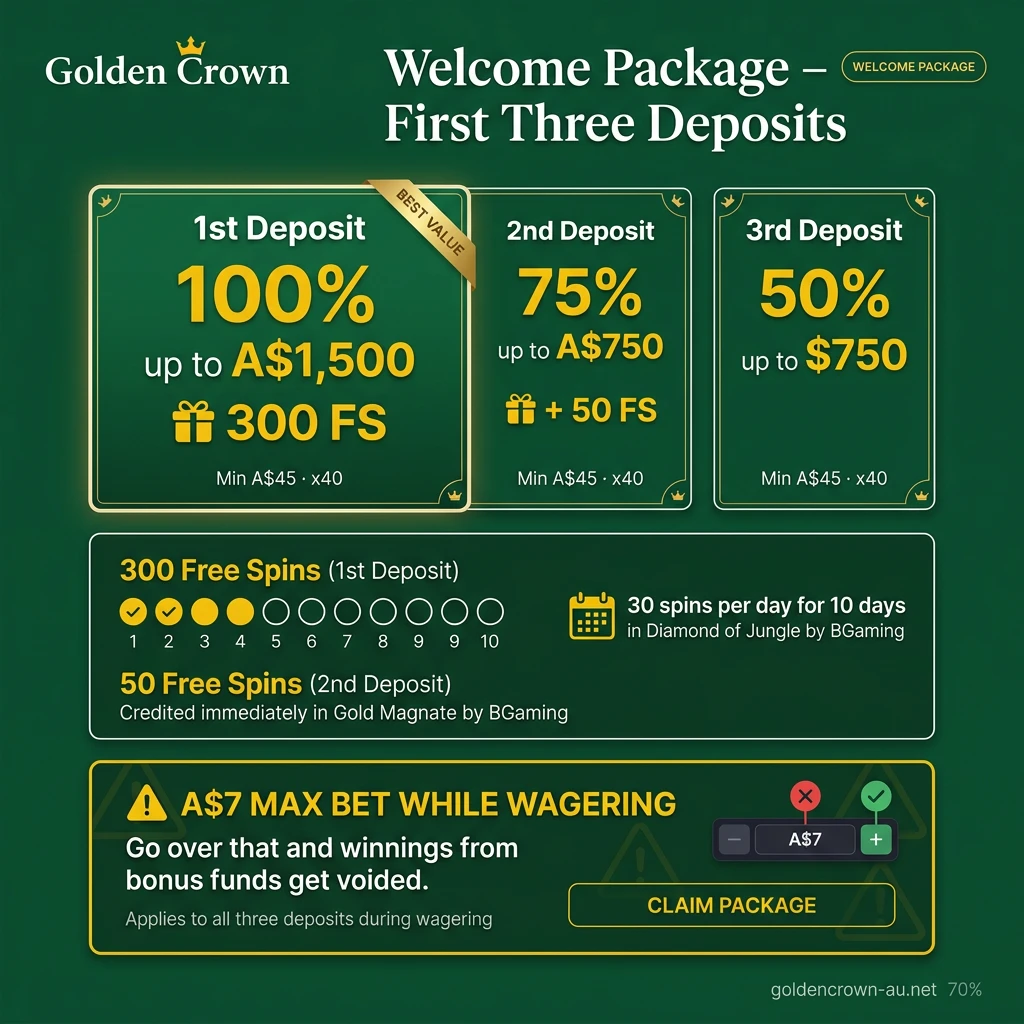
300 free spins on first deposit don’t land all at once — 30 spins per day for 10 days in Diamond of Jungle by BGaming. Second deposit spins go to Gold Magnate by BGaming, credited immediately.
Max bet while wagering — A$7. Go over that and winnings from bonus funds get voided.
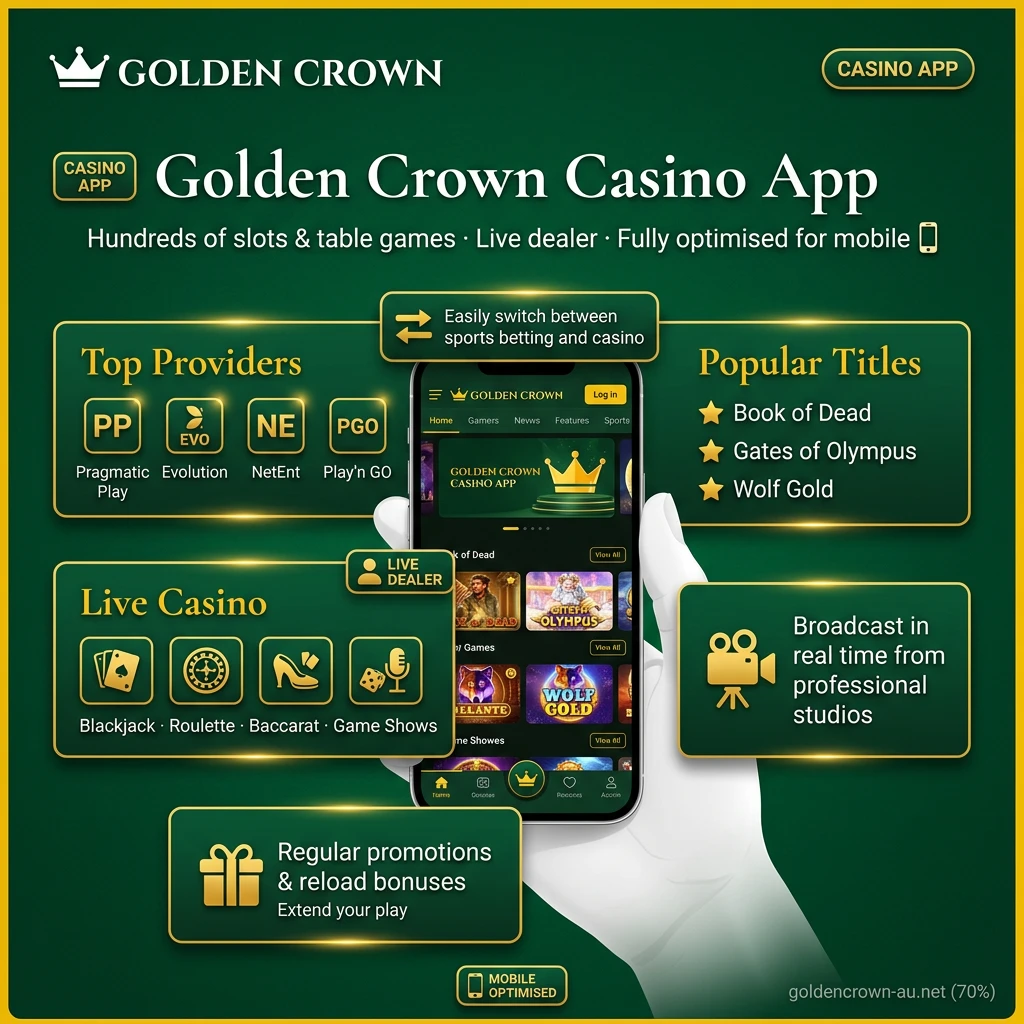
The casino section is accessible directly from the app’s home screen. The Golden Crown casino app features hundreds of slots and table games from well-known providers including Pragmatic Play, Evolution Gaming, NetEnt, and Play’n GO.
You can play titles such as Book of Dead, Gates of Olympus, and Wolf Gold, or take a seat at a live dealer table for blackjack, roulette, baccarat, or game shows. The live casino streams are broadcast in real time from professional studios.
The casino section also features regular promotions and reload bonuses, giving you more opportunities to extend your play. All casino games are fully optimised for mobile screens.
| Nickname | Game | Bet | Odds | Winning |
|---|---|---|---|---|
| ****KING | AUD 134 | 2.7 | + AUD 361.8 | |
| **** J. | AUD 118 | 2.9 | + AUD 342.2 | |
| ***to | AUD 208 | 2.8 | + AUD 582.4 | |
| *****la K. | AUD 178 | 1.5 | + AUD 267 | |
| *****t Fun | AUD 175 | 1.5 | + AUD 262.5 | |
| *****vo A. | AUD 190 | 1.7 | + AUD 323 | |
| ****ior | AUD 126 | 2 | + AUD 252 | |
| *****na T. | AUD 178 | 1.1 | + AUD 195.8 | |
| *****ed M. | AUD 117 | 2.8 | + AUD 327.6 | |
| *****e S. | AUD 296 | 2.8 | + AUD 828.8 |
Updated: 07/07/2026 06:23 AM
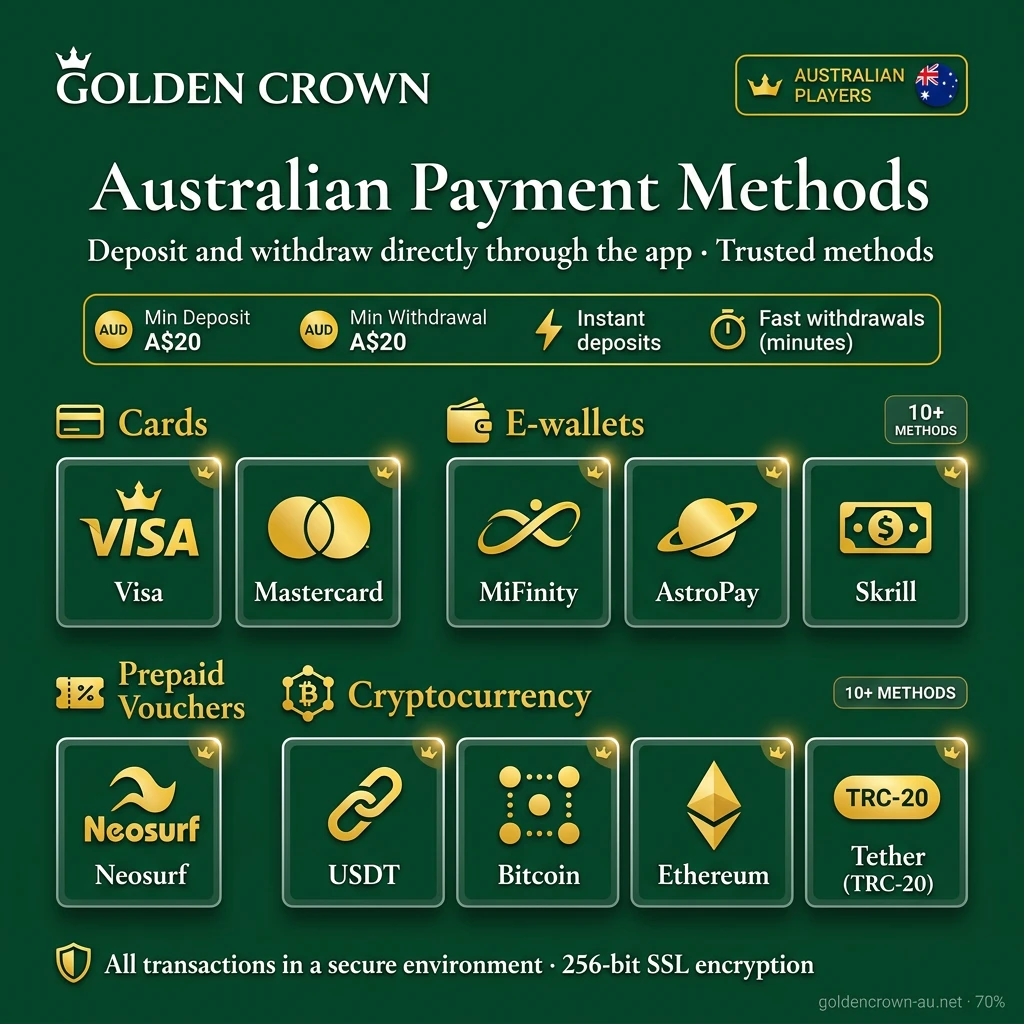
Australian players can deposit and withdraw funds directly through the app using a wide selection of trusted payment methods.
Available payment options include:
Deposits are credited to your account instantly once confirmed. Most withdrawal methods, particularly e-wallets and crypto, are processed within minutes. The minimum deposit is 20 AUD and the minimum withdrawal is also 20 AUD. All transactions are carried out in a secure environment within the app.
Depositing on the Golden Crown mobile site is straightforward and takes under two minutes. Funds are credited to your account instantly for most payment methods.
Withdrawals on Golden Crown are processed through the same cashier section used for deposits. Make sure your account is verified before requesting a withdrawal to avoid delays.
The mobile website covers most of the same features as the dedicated app, though many players still prefer to install the application for daily use.
| Feature | Application | Mobile Site |
|---|---|---|
| Installation Required | Yes (APK or App Store) | No |
| Load Speed | Faster, runs natively | Depends on browser and connection |
| Push Notifications | Yes | No |
| Home Screen Access | One tap from home screen | Requires opening a browser |
| Offline Access | Partial (cached content) | No |
| Performance on Older Devices | Optimised for mobile hardware | May vary by browser |
| Updates | Manual (Android) / Auto (iOS) | Always up to date |
The dedicated app offers a noticeably faster and more stable experience compared to the mobile site. Navigation is built for touchscreens, push notifications keep you informed of odds changes and promotions, and the app loads directly from your home screen without any browser steps. For regular players in Australia, the app is the more practical and efficient choice.
The Golden Crown application uses 128-bit SSL encryption to protect all data transmitted between your device and the platform’s servers. This means your personal details, login credentials, and financial transactions are secured at every point. Account access is protected by username and password authentication, and the platform supports two-factor authentication (2FA) for an additional layer of login security. Payment processing is handled through certified, PCI-DSS-compliant gateways, ensuring card and banking data is never stored insecurely. Data protection practices comply with standard privacy regulations, and your personal information is not shared with third parties without your consent. The app automatically times out after a period of inactivity, reducing the risk of unauthorised access if your phone is left unattended. Identity verification, required before processing withdrawals, provides an additional safeguard against fraudulent account activity. Regular security audits are conducted to identify and address vulnerabilities in the platform infrastructure.
When you install the app, it will request a small number of device permissions needed to function correctly. Storage access is required to download and save the APK file and to cache game assets for faster loading. Internet access is necessary for all core functions, including betting, live casino, and payment processing. Camera permission may be requested during identity verification if you need to photograph your ID documents directly through the app. Notification permission allows the app to send push alerts for promotions, bet results, and account activity. Microphone access is not required and is not requested by the app. Location permissions are optional and may be used to detect your region for compliance purposes. All permissions can be reviewed and adjusted through your Android device settings at any time. The app only requests permissions that are directly relevant to its functionality, in line with standard mobile security practices.
Golden Crown provides multiple ways to get help, whether you have a question about your account, a payment issue, or a technical problem on mobile.
| Support Channel | Availability | Best For |
|---|---|---|
| Live Chat | 24/7 | Immediate responses for account, payment, and game issues |
| Email Support | 24/7 | Detailed queries, document submission, account verification |
Response times via live chat are typically within minutes. Email responses may take up to 24 hours depending on query volume.
Yes. Your Golden Crown account works across all platforms. Log in with the same credentials on the app, mobile site, or desktop and your balance, bonuses, and history remain the same.
Yes. The app is completely free to download for both Android and iOS users. There are no subscription fees or installation charges.
No. Bonuses and free spins are linked to your account, not the device or platform. You can claim a bonus on the app and use it on the mobile site, or vice versa.
Yes. Live streaming is available for selected events directly within the app. You need to be logged in and have a funded account or an active bet to access the stream.
First, check that your device meets the minimum system requirements. Then try clearing the app cache or reinstalling the latest version. If the issue persists, contact support through the in-app chat function.
Yes. You can enable two-factor authentication (2FA) through your account security settings for an additional layer of protection when logging in.
Yes. Responsible gambling tools, including deposit limits, session reminders, and self-exclusion options, are accessible through the account settings section of the app.
Updated:
Comments